Snapshots
Prove what the network looked like on audit day.
Take a snapshot before an audit or a change window, and you can open the network as it was on that date.
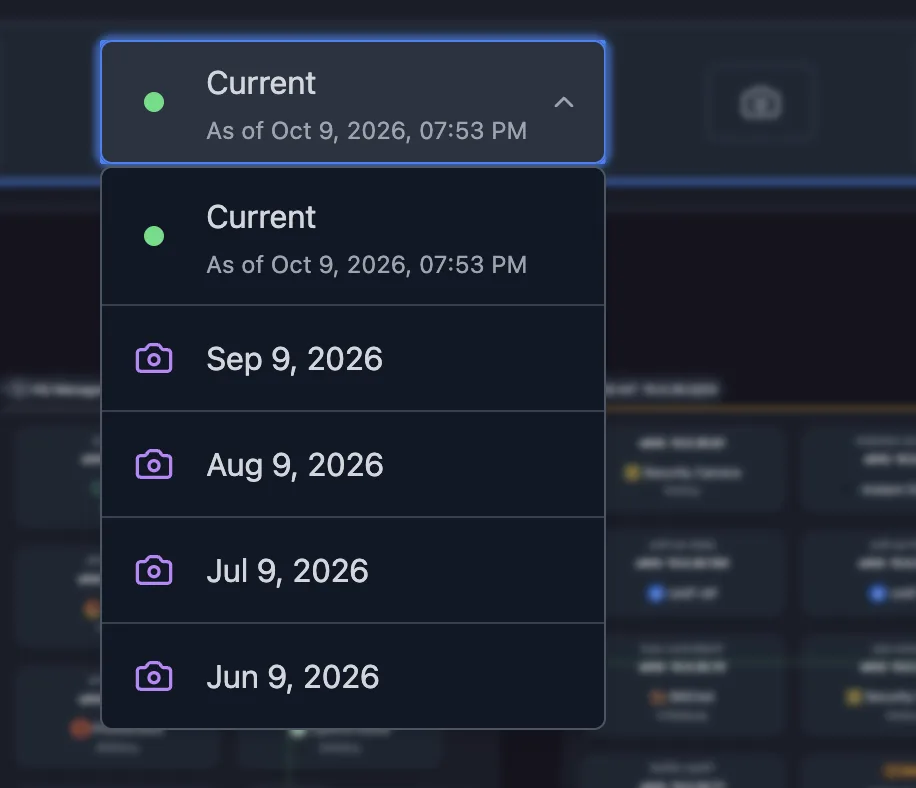
Open last month’s network in every view
Each snapshot opens in every view of the map, and exports with its capture date in the header.
Export the live map or a snapshot, and embed or share the live one
Export the map A static copy: an image (PNG, SVG, PDF), a self-contained HTML page, an editable diagram (draw.io, Visio), wiki markup (Mermaid, Confluence), or CSV of the underlying host and service data. Paste the current diagram into a runbook, a ticket, or a handover document.
Embed the live map An iframe that puts the live map inside a wiki, dashboard, or intranet page. The wiki page your team already opens shows the current topology.
Share a read-only link A link to the live map, read-only, that stays current as the network rescans. Give a contractor or a colleague the map without giving them an account.
Save a dated snapshot A saved, dated capture of the network state, taken at each audit or review. Open the network as it was before a change, read-only, and export it with the capture date in the header.
Solutions built on Snapshots
Related features
Network Mapping Physical (L2) and logical (L3) diagrams of your network, drawn from the network itself Explore Sharing & Exports Share live diagrams by link or embed. Export diagrams to image, document and diagram files Explore Network Discovery Scan your subnets for hosts, open ports and running services Explore
FAQ
Frequently asked questions
How long are snapshots kept?
It depends on the plan, and the pricing page lists retention for each. Self-hosted servers can set their own retention period.
Where do I see what changed after a scan?
In the scan digest: after each scan, Scanopy emails which hosts and VLANs appeared, went stale, or changed. See network discovery.