Know what every application runs on and what it depends on.
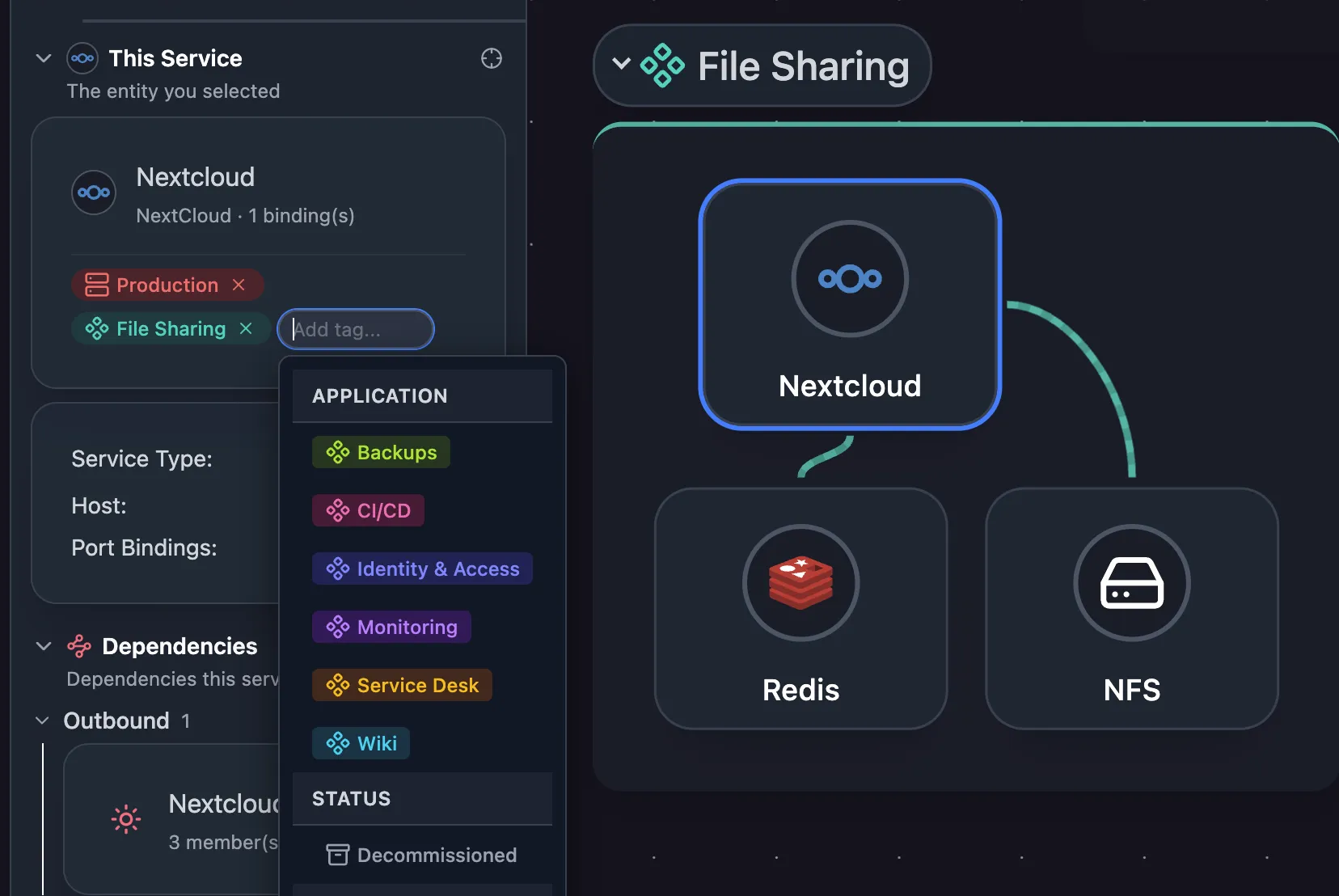
Mark which servers belong to each application and what each application relies on. When a server gets a new address or runs a new service, the next scan updates the map.

Application dependency maps you never redraw
Tag each server with its application once. The map fills in the services on it, recognized from 410+ definitions, and keeps up as servers change addresses or start running something new.
Know what an outage takes down
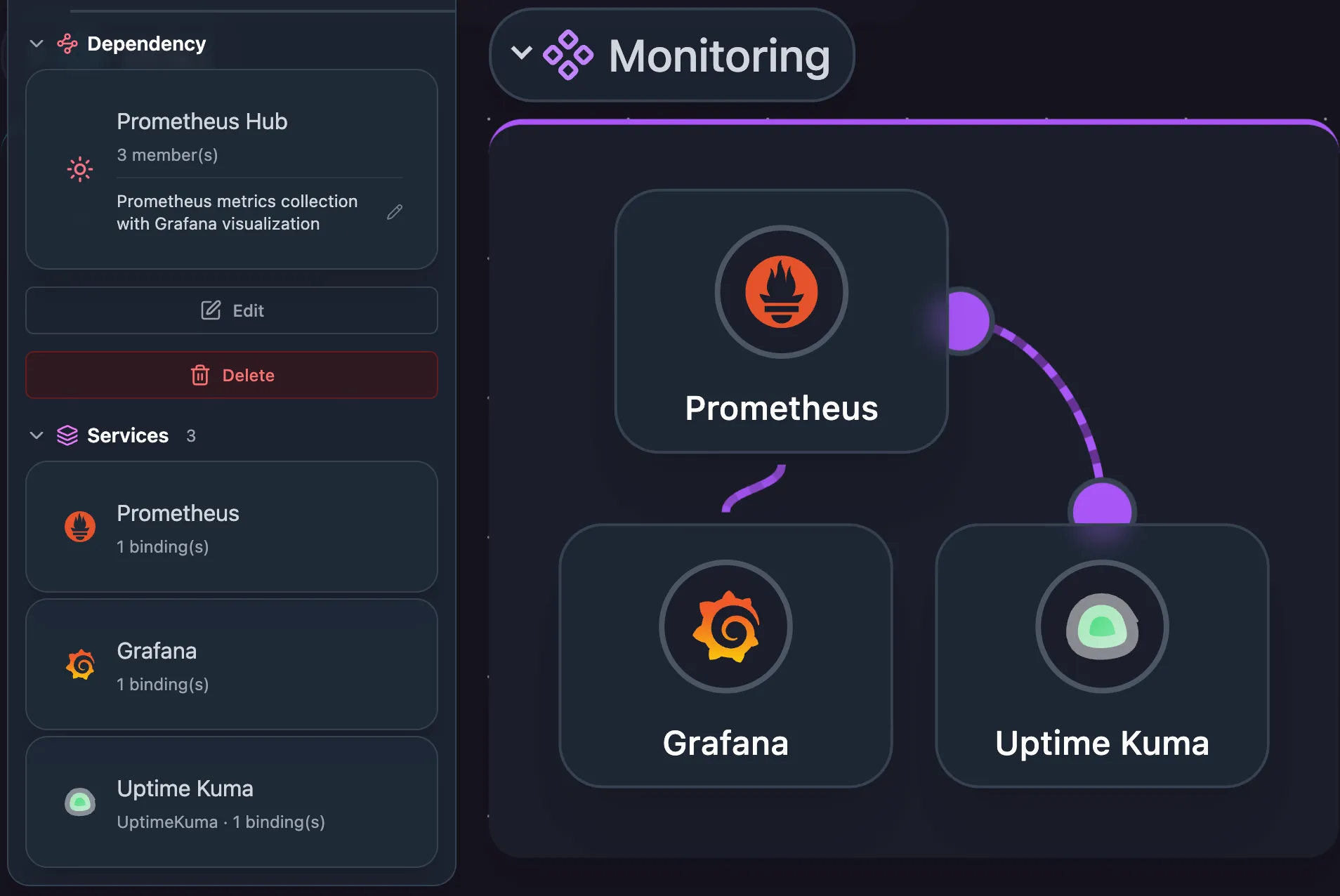
Mark the services each application relies on, such as its load balancer, app server, and database, or link a shared database to every application that uses it. Those connections show on the application, workload, and logical maps.
Related features
Frequently asked questions
Does Scanopy discover application dependencies automatically?
No. Scanopy discovers hosts, services, and ports. You define which services form an application and the request paths between them. For dependencies inferred from network traffic, see Scanopy vs Faddom.
What is the application view for?
Seeing which hosts and services an application depends on before a migration, a change, or a risk analysis.