Export the map, embed it live, or share a read-only link.
Export a static copy in the format the document needs, embed the live map in a wiki or dashboard, or send a read-only link that updates after each scan.
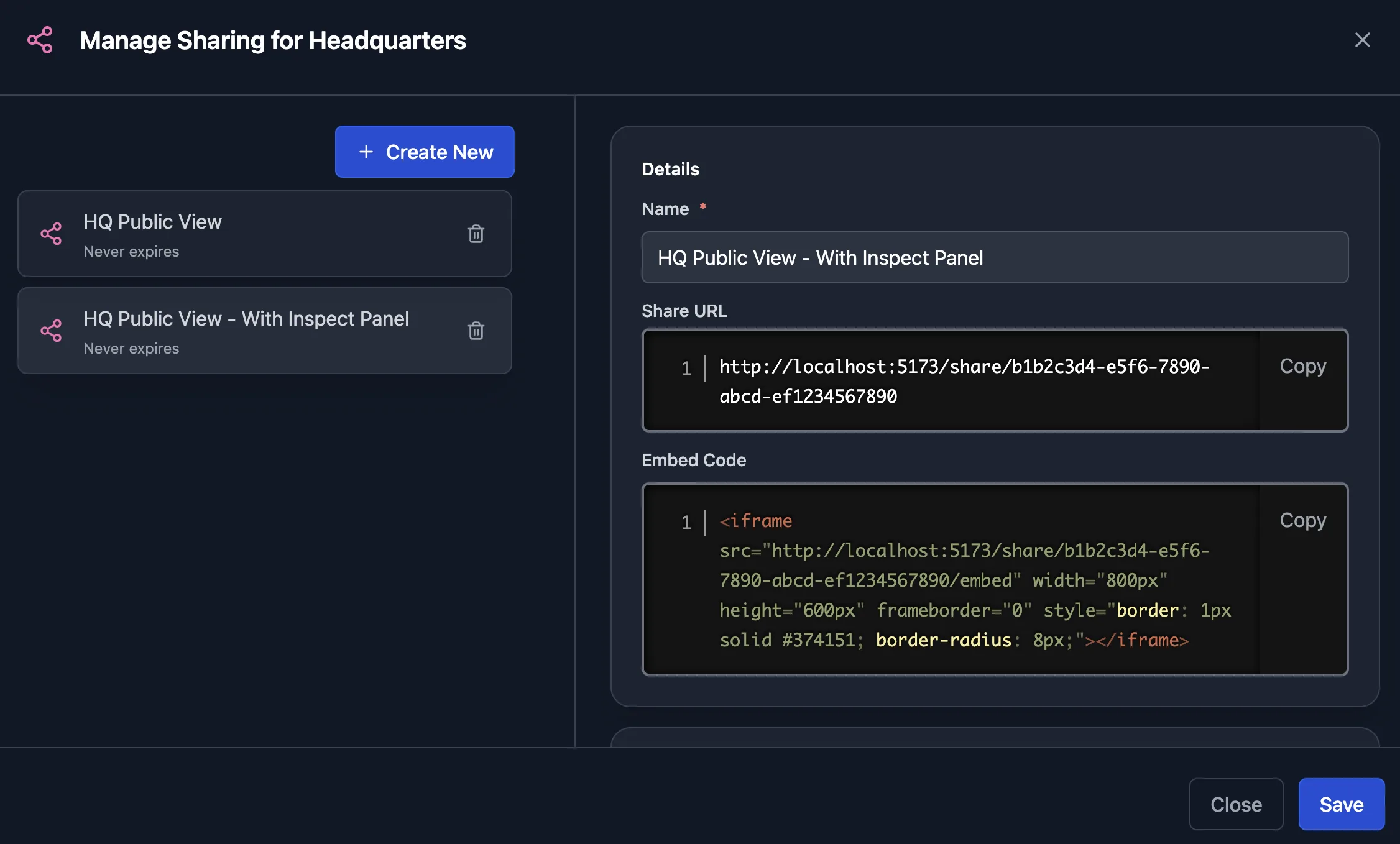
Share the live map without handing out logins
Send a link that opens in any browser, or paste one iframe into Confluence, a wiki, or a dashboard. Both show the network as of the last scan. Each share can have a password, an expiry date, a chosen set of views, and a list of domains allowed to embed it.
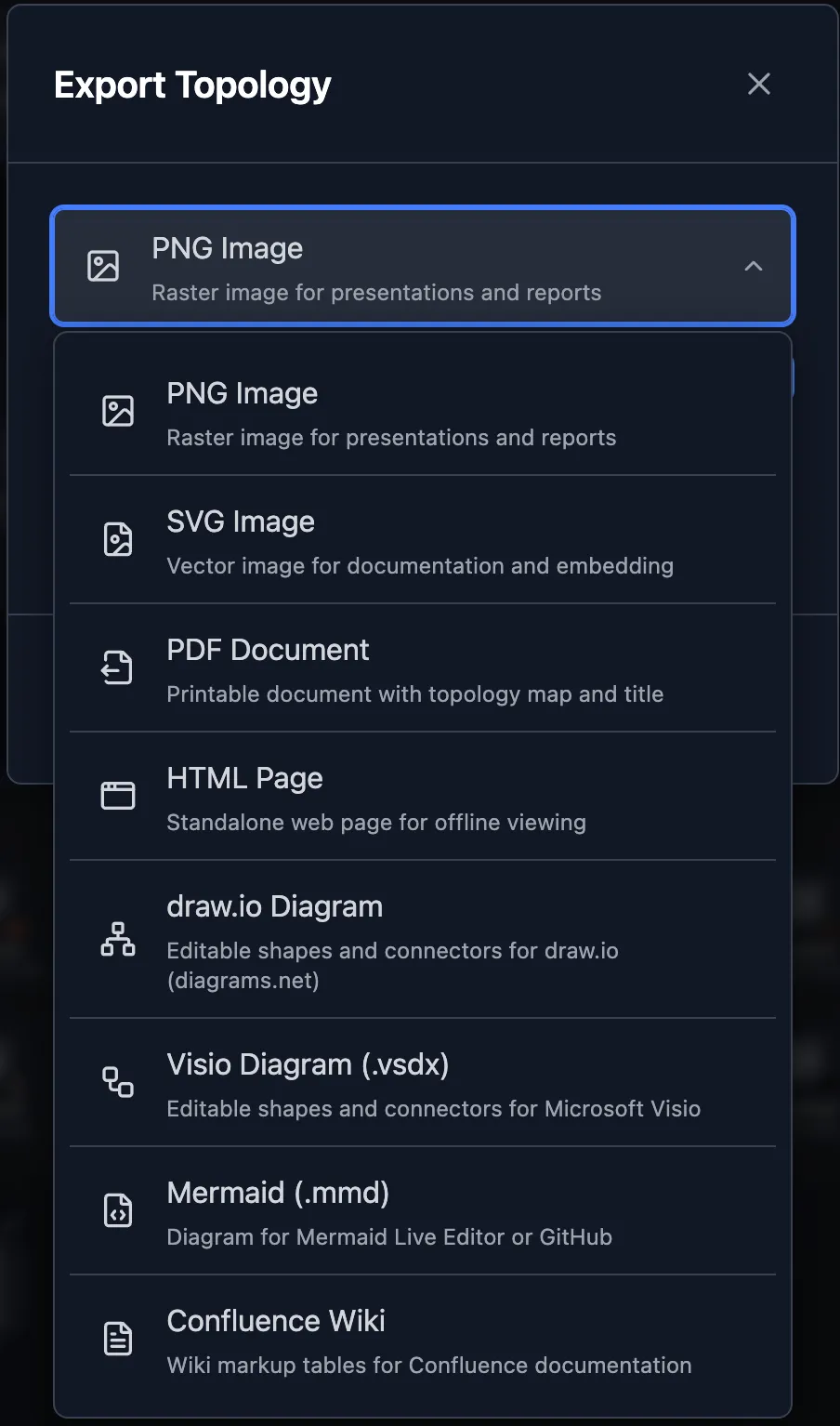
Put the map in any document
Export a static copy as PNG, SVG, PDF, or HTML, as an editable draw.io or Visio diagram, or as Mermaid or Confluence markup.
Solutions built on Sharing & Exports
Related features
Frequently asked questions
Which export formats does Scanopy support?
PNG, SVG, PDF, and self-contained HTML; editable draw.io and Visio diagrams; Mermaid and Confluence markup; and CSV of the underlying host and service data. Some formats are on higher plans; the pricing page lists which. The same data is available through the REST API.
Does a shared link show a snapshot or the live network?
The live network. To record the network on a date, take a snapshot and export it, and the export carries the capture time.